
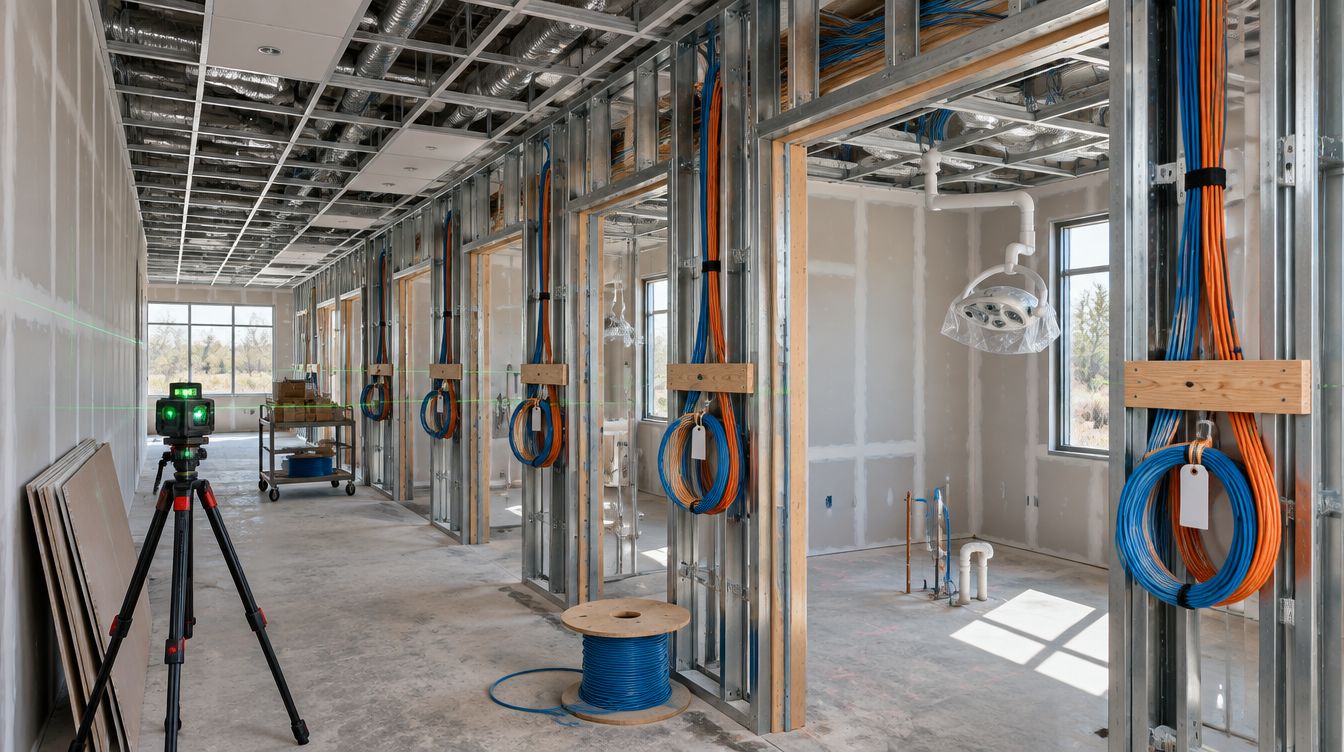
Commercial WiFi setup for a Charlotte dental office means business-grade access points mounted in the ceiling, wired back to the closet, with staff devices on one network and patients' phones on another. ClearMax technicians place them from the finished floor plan, test the signal in each room, and leave the practice the settings in its own name.
Last updated: November 2026
Why a consumer router falls short in a dental office
A router from an electronics store is built for a house: one box, one network, a handful of phones. A practice asks much more of its wireless.
- Walls that block signal. Imaging rooms are often shielded, and that shielding stops WiFi as well as X-rays.
- Many devices at once. Tablets for intake, laptops on carts, phones, a wireless printer, the waiting room's guests.
- Moving people. Staff walk from the front desk to an operatory and expect the connection to follow them.
- Separation. A patient's phone must never sit on the same network as the server.
Ceiling access points, each on its own cable and powered from the switch, handle all four. The count follows the rooms and the wall materials, not a rule of thumb.
How many ceiling access points fit a Charlotte practice?
Fewer than a coverage map from a phone app suggests, and placed better. A typical plan puts one unit where people gather and work, and keeps the units out of the shielded rooms rather than trying to shout through lead.
- Front desk and waiting room, where intake tablets and guests are busiest.
- Each run of operatories, mounted in the corridor ceiling so the rooms on both sides share it.
- The doctor's office and the break room, where staff check messages and laptops dock.
- Sterilization and the lab, when a device there needs wireless.
The cable for each unit is pulled at rough-in from the cabling plan, with one spare run near the busiest area in case a unit is added later.
Keeping the guest network apart
Three networks cover most practices: one for clinical computers and the server, one for staff phones and laptops, and one for guests. They are separated on the switch and the firewall, not just given different names, so a guest who joins the waiting-room network cannot reach a workstation even by accident.
The passwords matter as much as the separation. North Carolina's breach definitions in G.S. 75-61 treat unauthorized access to and acquisition of encrypted records along with the confidential process or key as a security breach. Encryption only protects data while the key stays somewhere else. So the WiFi keys and the admin logins for the access points, the firewall and the server are kept in the practice's password manager, never on a sticky note under the router.
What does the WiFi do when Duke's power goes out?
Charlotte has seen long outages, and the December 2002 ice storm is the one people still mention. The North Carolina Utilities Commission's review of that storm reports that, at the peak, 1,042,034 of Duke's 1,675,361 North Carolina customers were without service, or 62 percent. No office battery rides out several days, and none should pretend to.
What the plan can do is decide the order things stop and start. The access points draw power from the switch, so a battery in the closet keeps the switch, the firewall and the access points running through a short flicker. In a long outage the server shuts down cleanly first. When power returns, the network comes back before the computers, and the plan lists that sequence so staff are not guessing in a cold building.
Testing the signal before handover
A WiFi install is checked in the finished rooms, with furniture in place and equipment running. Each operatory, the front desk and the waiting room gets a measured signal reading and a speed test, and devices are walked between rooms to confirm they hand off cleanly between access points. The readings go into the handover record with the network names, the access point locations and the firewall rules.
WiFi questions from Charlotte dental offices
Can patients use the WiFi?
Yes, on the guest network, which reaches the internet and nothing else in the office.
Will the sensors or imaging use WiFi?
Usually not. Imaging and chairside computers stay on cable, where speed and reliability do not depend on radio signal.
Can the WiFi be upgraded in an office that is already open?
Yes. New units can go in after hours. If the ceiling has no cable where a unit needs to be, the quote names the extra run, and the bid is updated if the building hides more.
Who owns the settings?
The practice. Every login and license is set up in the practice's name and listed in the handover record.